Affiliate Marketing
Run multiple ad accounts, affiliate dashboards, and testing workflows with isolated browser profiles, proxy-based access, and fewer manual account-switching issues.



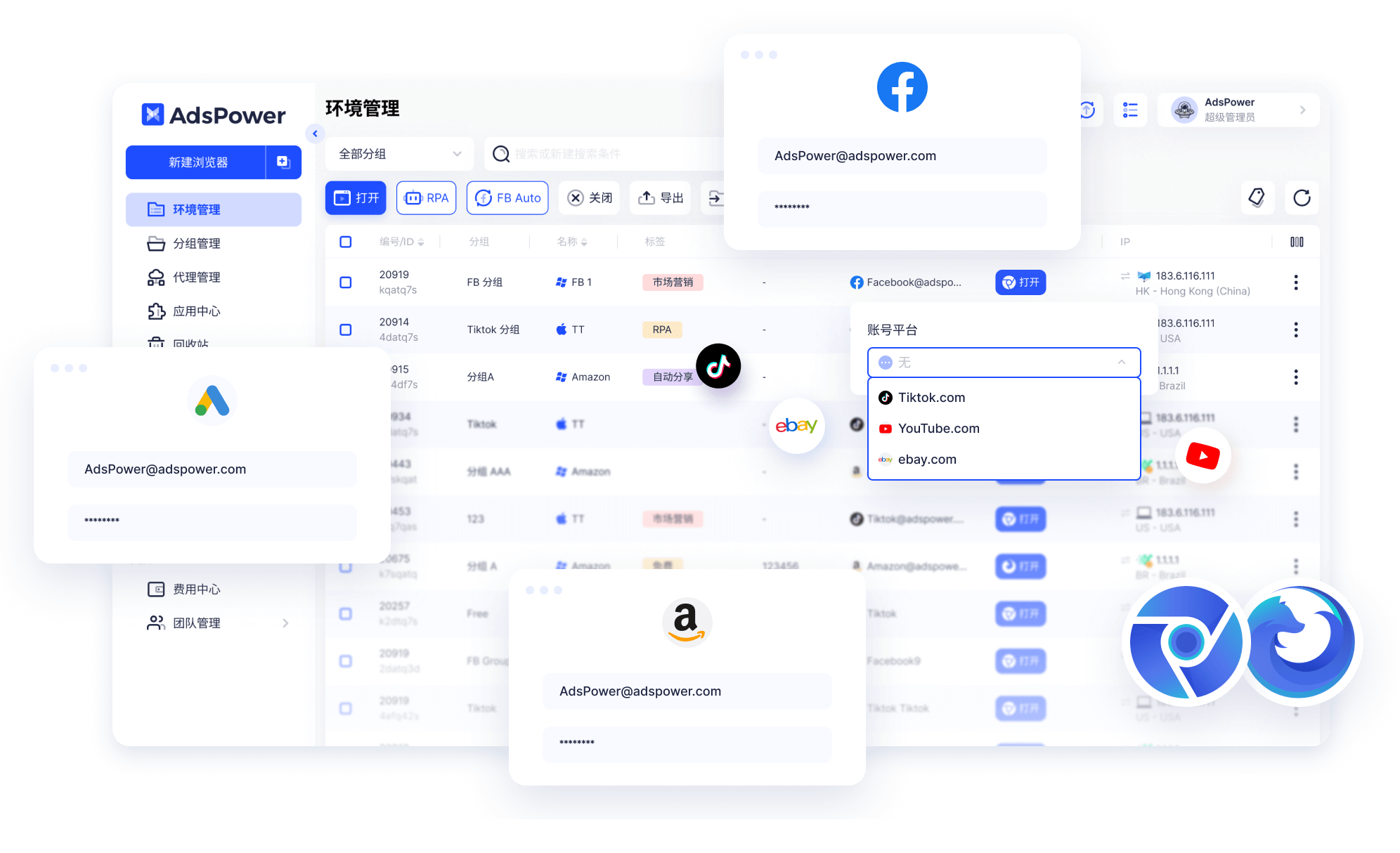

A browser fingerprint is a digital identity built from signals such as IP address, geolocation, operating system, cookies, user agent, WebGL, canvas, timezone, and local storage. AdsPower lets you create isolated browser profiles with unique fingerprints, proxies, cookies, and storage contexts, helping teams reduce account linkage risk when running e-commerce, affiliate, advertising, and social media accounts at scale.
Run multiple ad accounts, affiliate dashboards, and testing workflows with isolated browser profiles, proxy-based access, and fewer manual account-switching issues.
Manage multiple storefronts across Amazon, eBay, Shopify, Lazada, Shopee, Temu, and other platforms with cleaner profile separation and team workflows.


Use controlled browser profiles, proxy settings, and automation workflows to support public web data collection, page testing, and browser-based research.

Organize campaign accounts, research profiles, landing page checks, and test environments in one browser profile management workspace.
Manage social media accounts with isolated profile data, proxy configuration, permission controls, and smoother daily team operations.
Create isolated browser profiles with customizable fingerprints, proxies, cookies, local storage, and device parameters. Each profile works like a separate browsing environment, helping teams keep accounts, platforms, and workflows better separated.
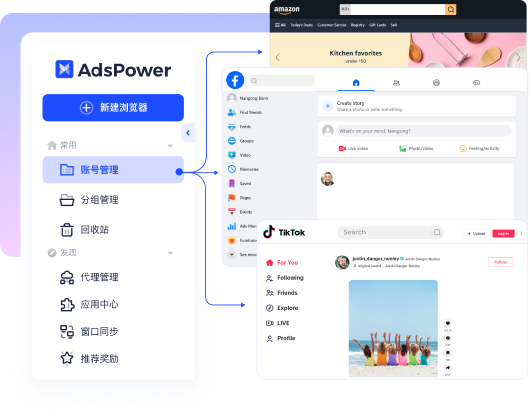
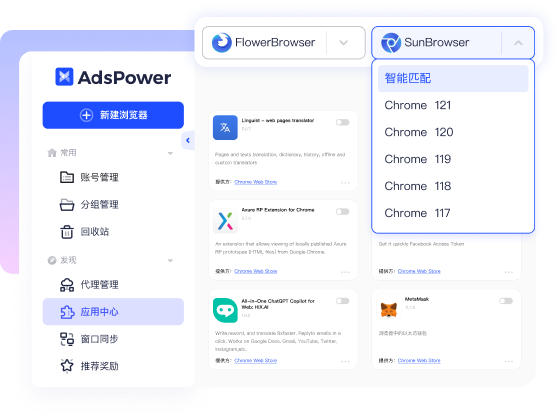
AdsPower supports Chromium-based and Firefox-based profile environments, giving teams more flexibility when working with platforms, extensions, testing requirements, and account operation habits.
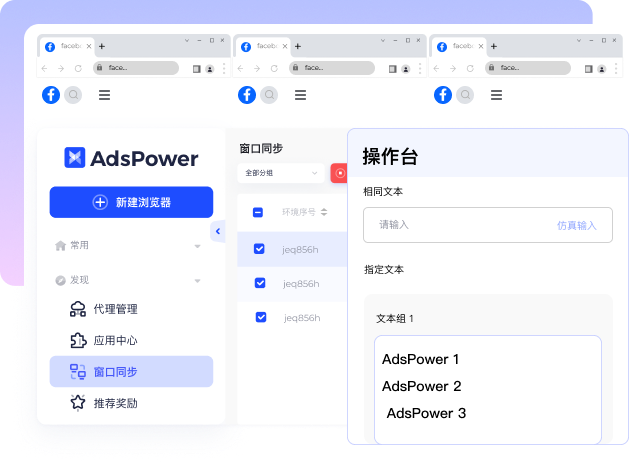
Use RPA, Local API, and Window Synchronizer to reduce repetitive work, coordinate multiple browser profiles, and build faster execution flows for account maintenance, testing, research, and campaign operations.
Profile-level isolation, permission controls, data protection, and access management help teams reduce operational risk when multiple members work with sensitive browser profiles, account assets, and automation tasks.
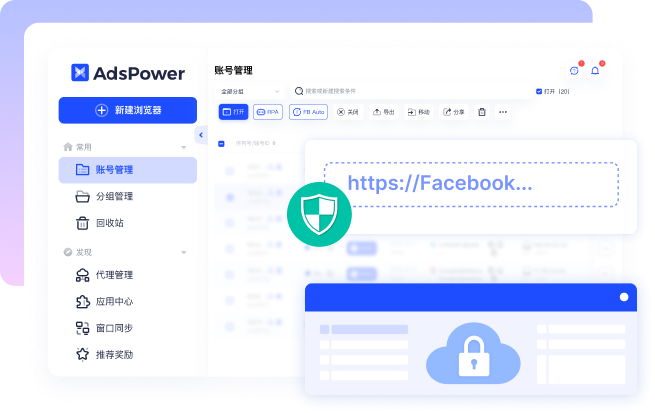
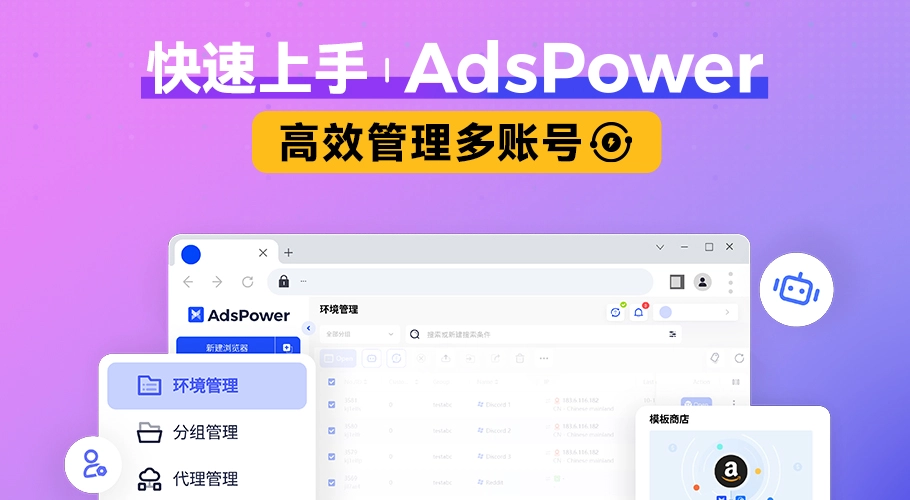


AdsPower combines profile isolation, access controls, alerts, and team-level safeguards to support users who manage important accounts, browser data, and daily operational workflows.
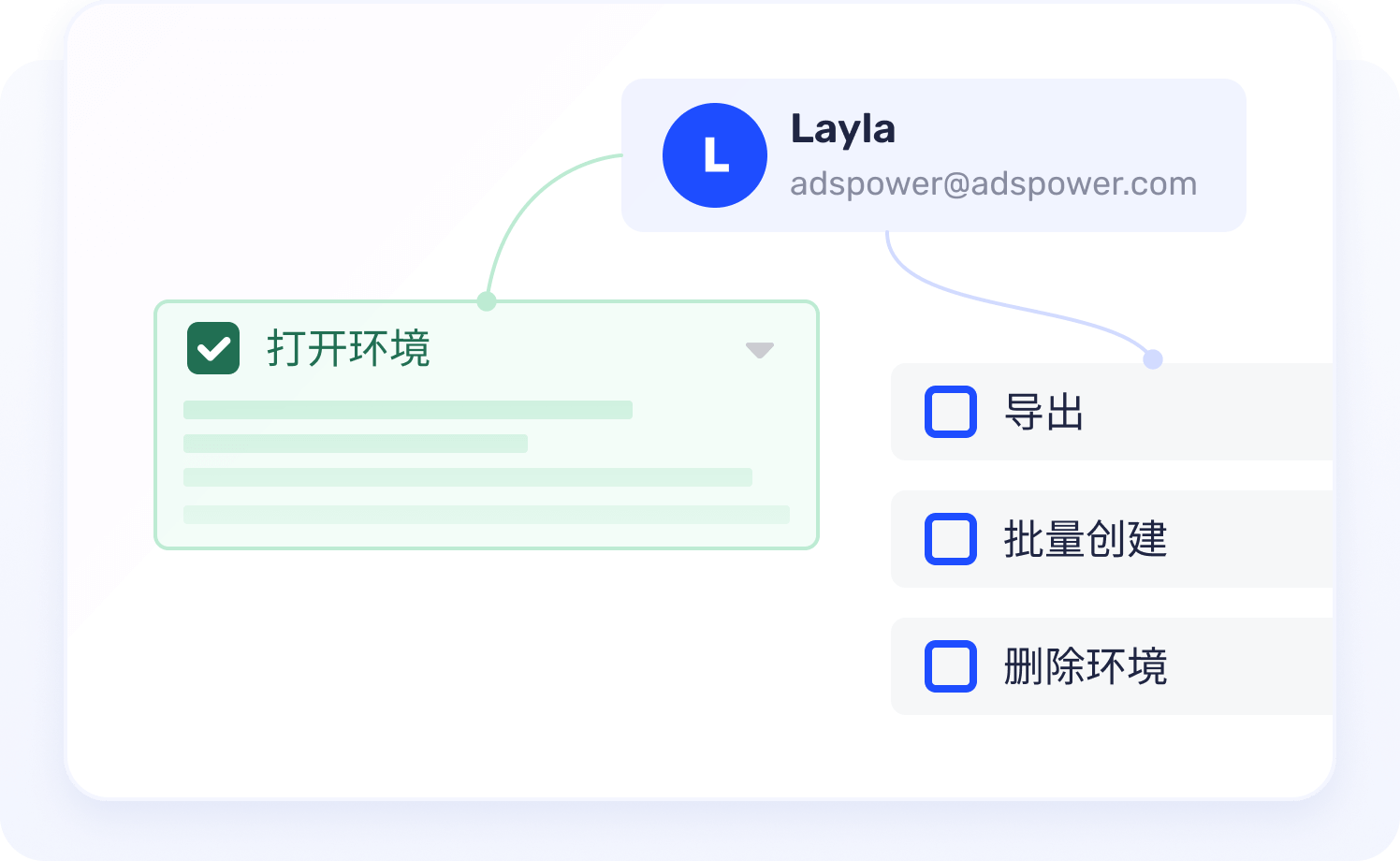
Login alerts, whitelists, two-factor authentication, permission management, and operation logs help teams protect account assets and reduce unnecessary access risk.
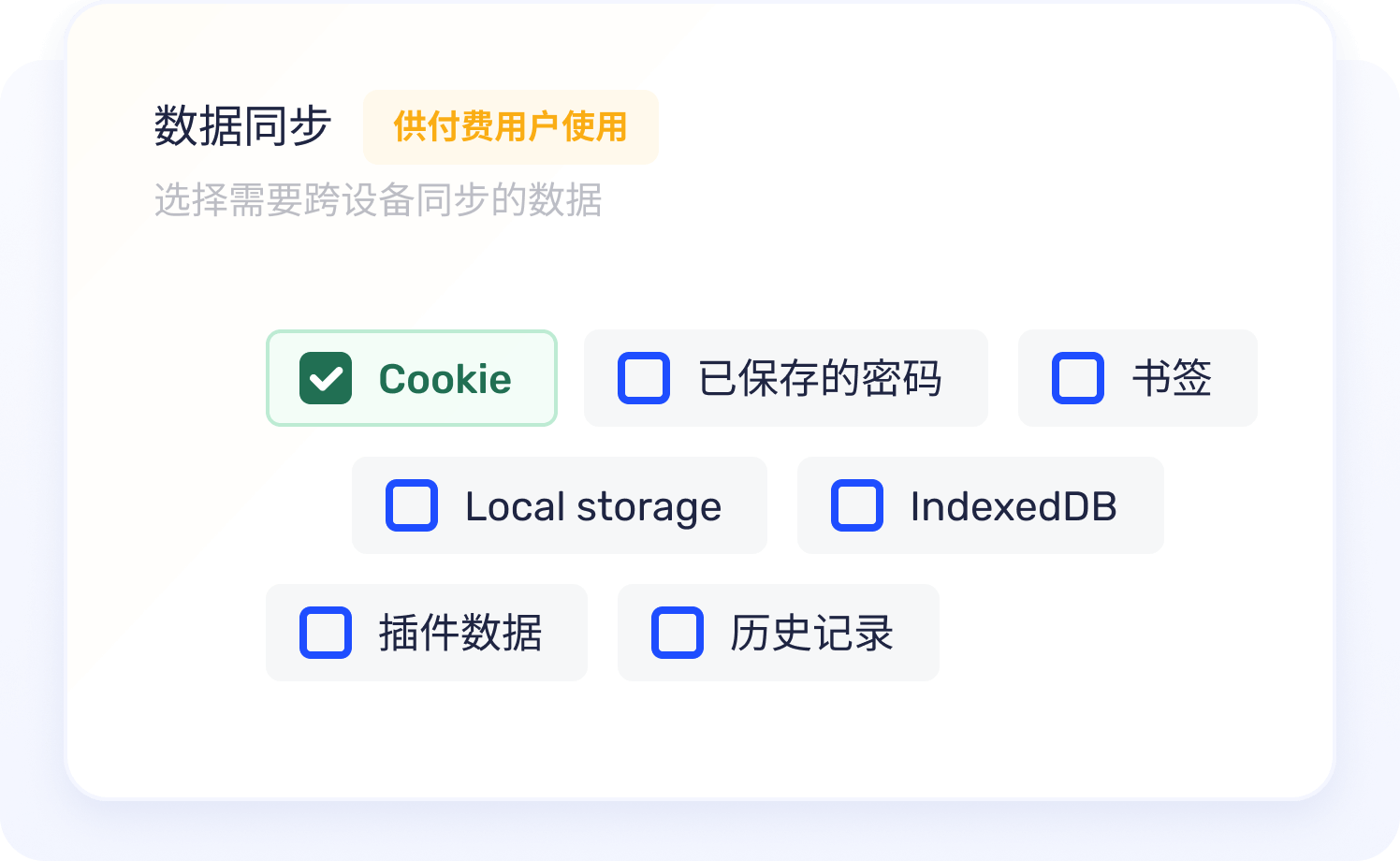
AdsPower applies encryption and controlled data handling to help teams manage browser profile data, local information, and account assets with stronger protection.
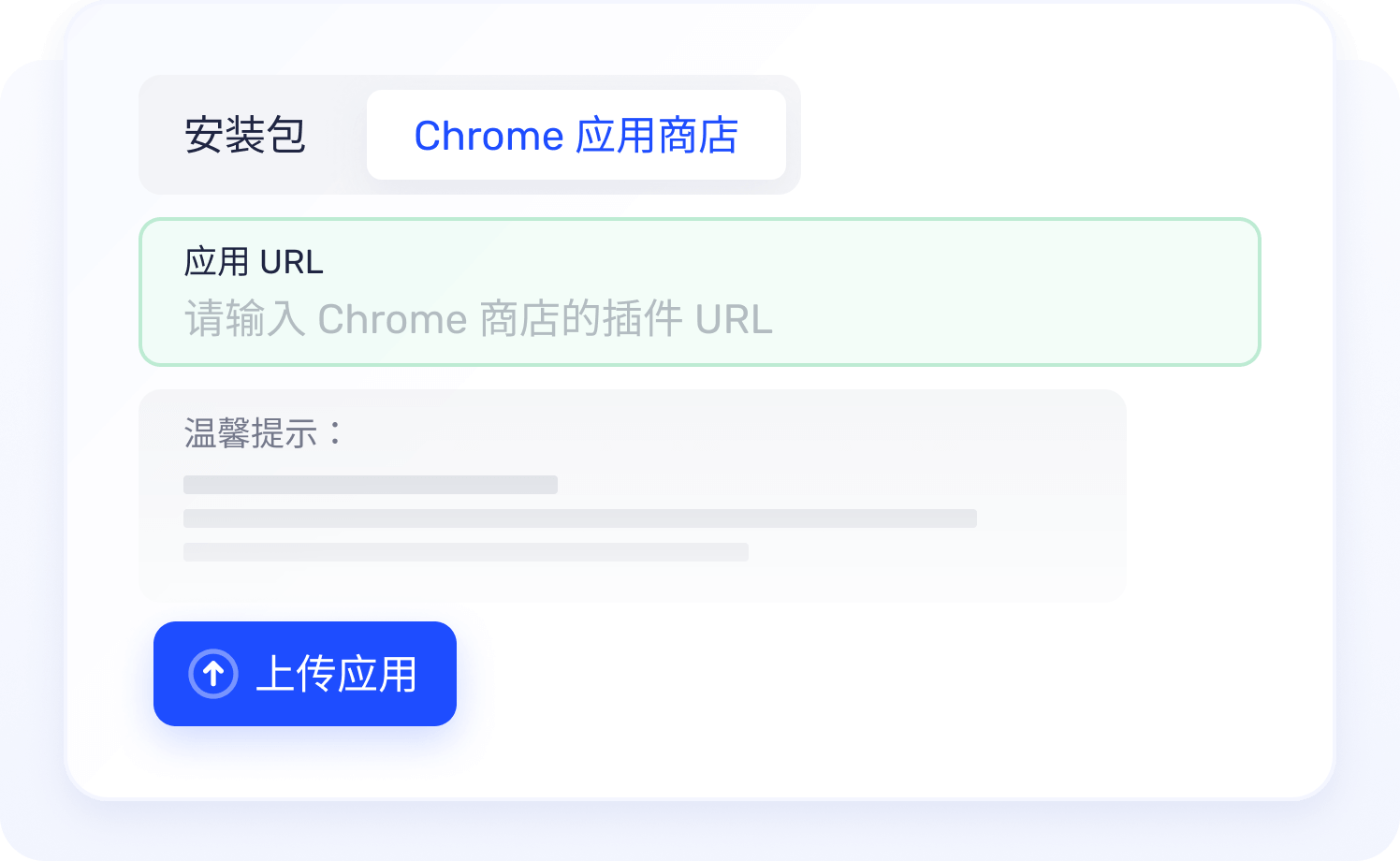
Extension usage is easier to organize through clearer management flows, helping teams reduce risks from unsafe add-ons, unexpected changes, or inconsistent profile setups.

I have been using AdsPower to manage multiple Amazon, Facebook, and TikTok accounts for months. Its automation tools reduce repetitive work, and the browser profile isolation makes daily operations much more reliable.

AdsPower is one of the most practical fingerprint browsers I have used. For a small team managing ad accounts, storefronts, and standalone sites, it makes bulk logins and profile management much easier.

I really like this browser. The fingerprint management is strong, stability is solid, and support replies quickly. It feels dependable in daily operations.

Since adopting AdsPower, our operating efficiency has improved dramatically. Automation removes repetitive tasks so the team can focus on higher-value growth work.

Our team cares most about permissions and account safety. AdsPower makes collaboration, bulk logins, and daily profile maintenance far more organized.

For large numbers of ad accounts, browser consistency and proxy management are critical. AdsPower handles those basics well and keeps our campaign workflow stable.
I have been using AdsPower to manage multiple Amazon, Facebook, and TikTok accounts for months. Its automation tools reduce repetitive work, and the browser profile isolation makes daily operations much more reliable.
AdsPower is one of the most practical fingerprint browsers I have used. For a small team managing ad accounts, storefronts, and standalone sites, it makes bulk logins and profile management much easier.
I really like this browser. The fingerprint management is strong, stability is solid, and support replies quickly. It feels dependable in daily operations.
Since adopting AdsPower, our operating efficiency has improved dramatically. Automation removes repetitive tasks so the team can focus on higher-value growth work.
A fingerprint browser lets users create isolated browser profiles with different fingerprints, proxies, cookies, and local storage. It is commonly used by teams that need to manage multiple accounts without mixing browser data between profiles.
AdsPower is built for multi-account management, browser profile isolation, proxy-based workflows, team collaboration, and automation. Common use cases include e-commerce, affiliate marketing, social media operations, advertising, and browser-based research.
AdsPower is often used as an antidetect or anti-detect browser because it helps users create separate browser profiles with custom fingerprints, proxy settings, cookies, and storage. It should be used only in lawful scenarios and in accordance with platform rules.
Yes. AdsPower supports automation through RPA, Window Synchronizer, Local API, and batch profile management. These tools help teams reduce repetitive tasks, coordinate multiple profiles, and build more scalable account workflows.
Yes. AdsPower supports team permissions, profile sharing, role-based access, and operation management, making it easier for multiple users to work with browser profiles while keeping responsibilities and access boundaries clear.